
5/5 Rating (A Must-Have)
“If you find yourself setting lots of fractions, you owe it to yourself to buy this product.”
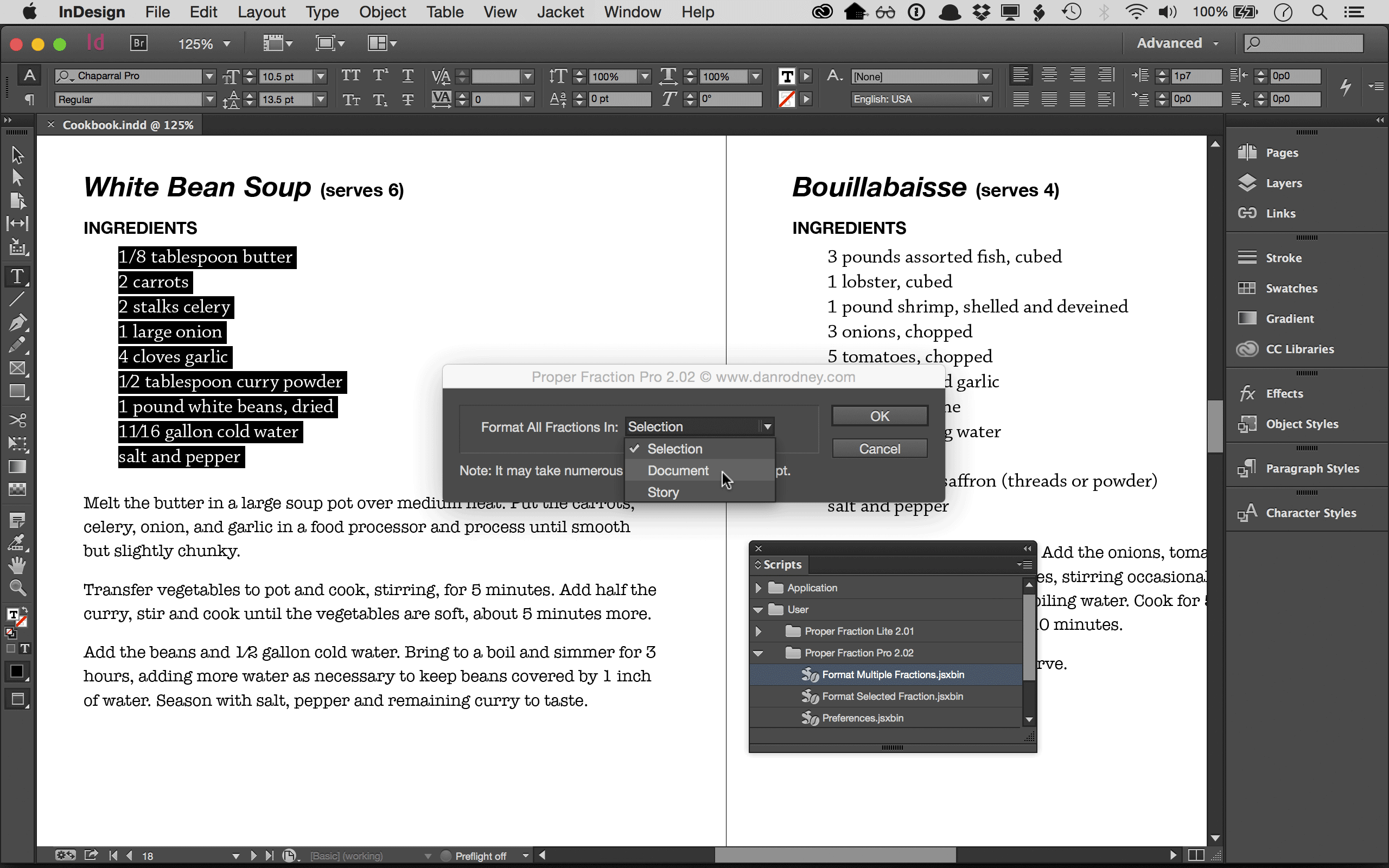
Formatting Fractions Is Easy
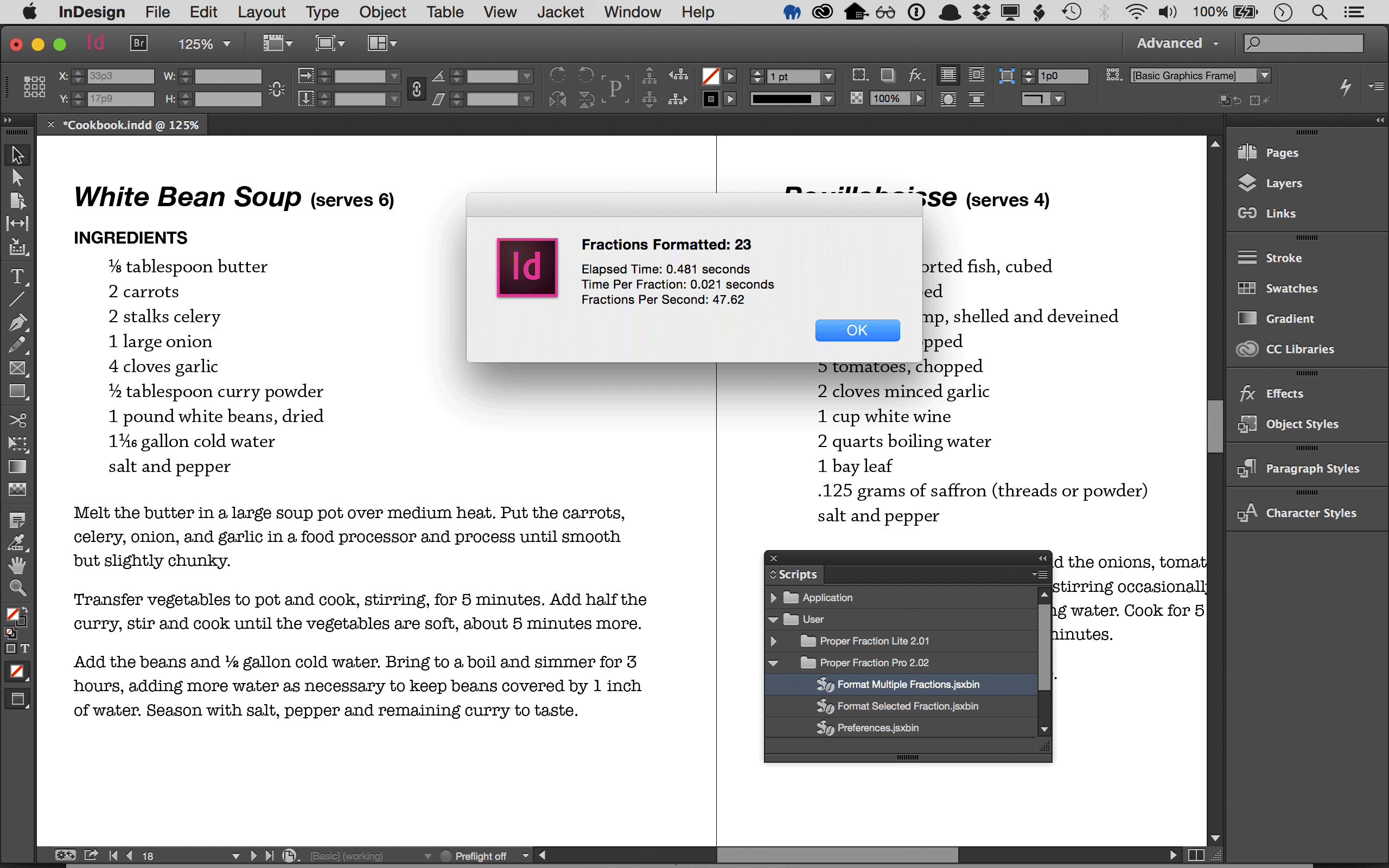
When I discovered that InDesign was missing a way to make fractions (like Quark’s Make Fraction) I created Proper Fraction Lite (which is free). Just select a fraction, like 1/8, double-click the script and you get a properly styled fraction. That works great for a few fractions, but I didn’t stop there. I went on to create Proper Fraction Pro, the likes of which has never been seen before.
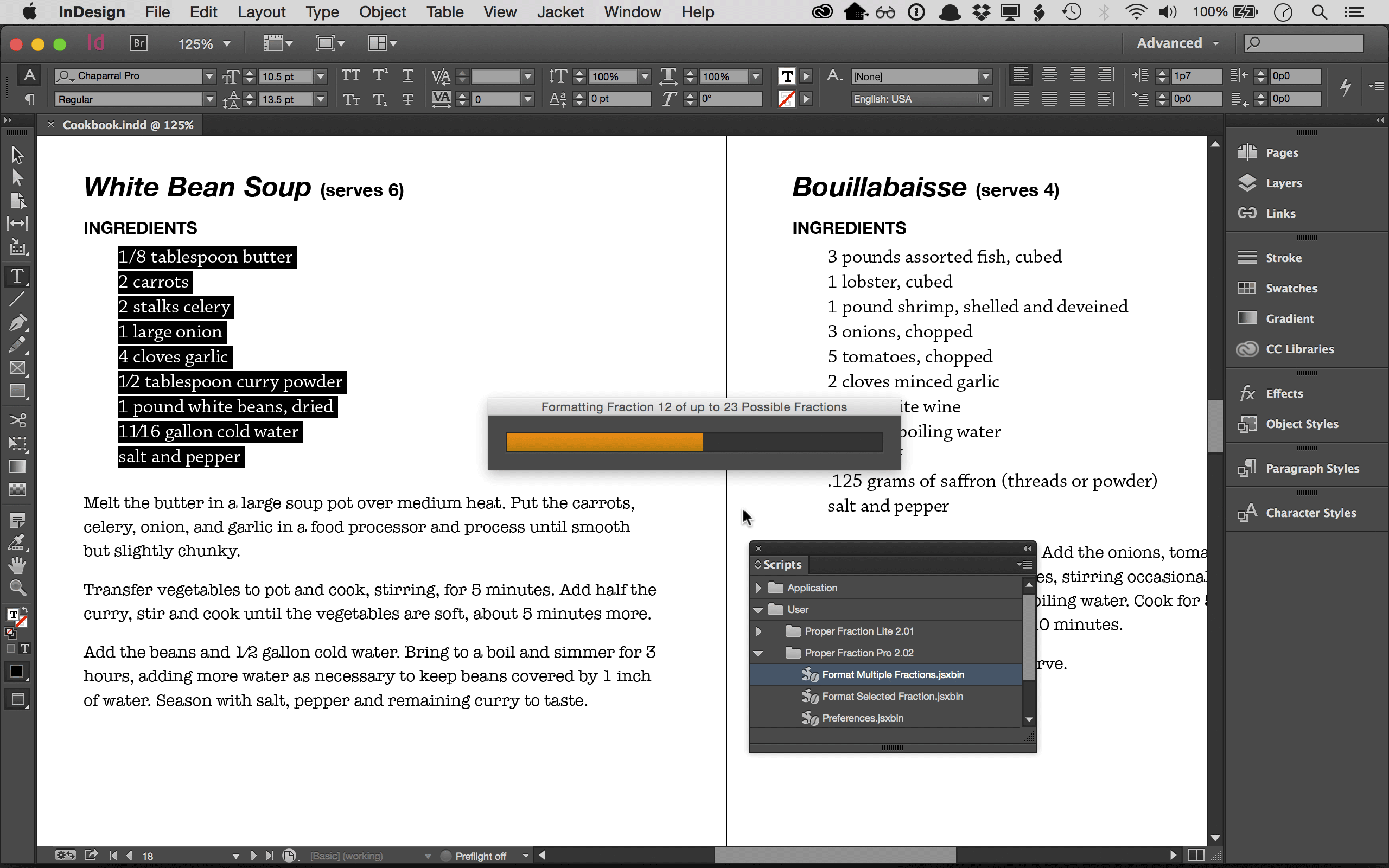
Works With Any Font
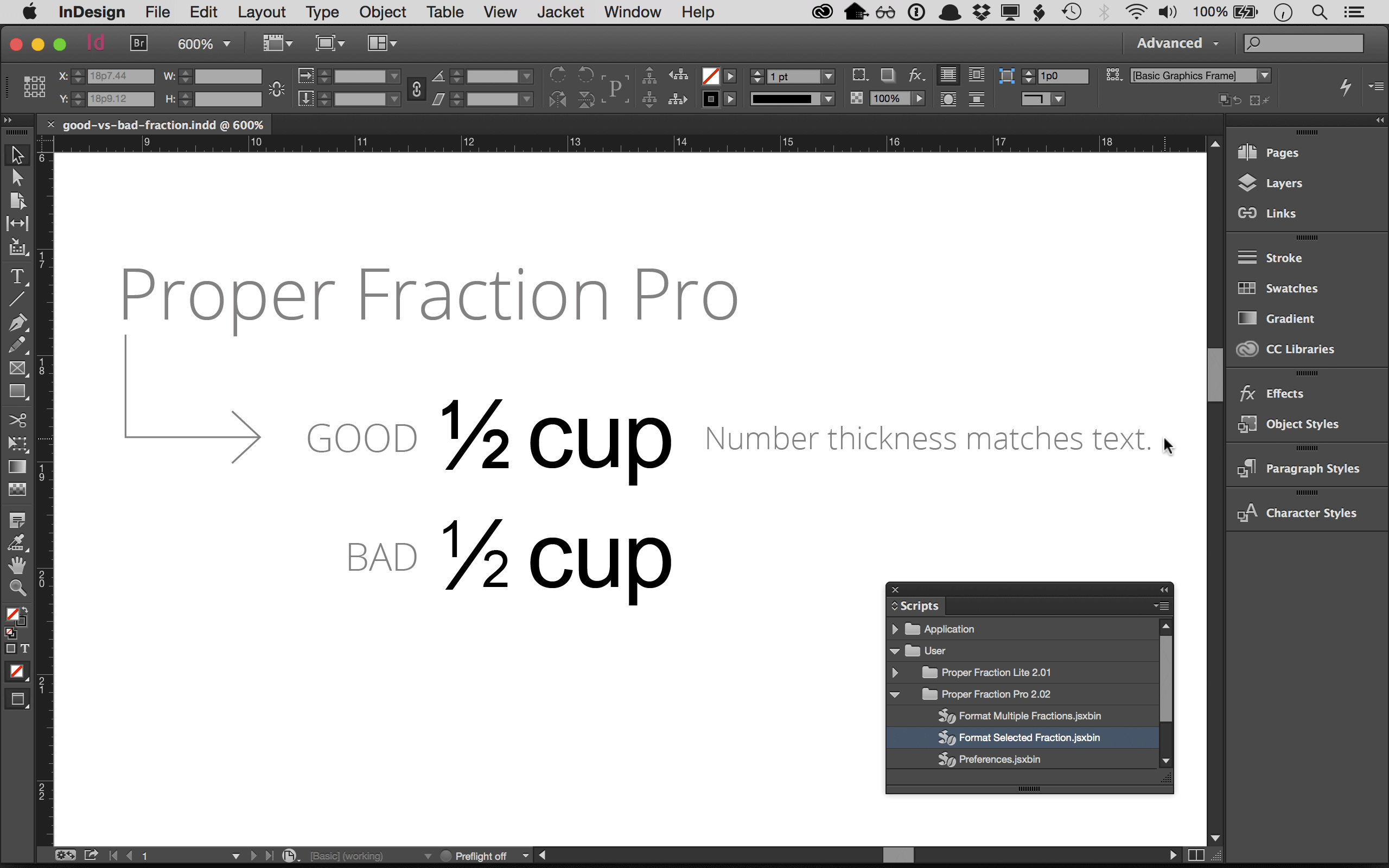
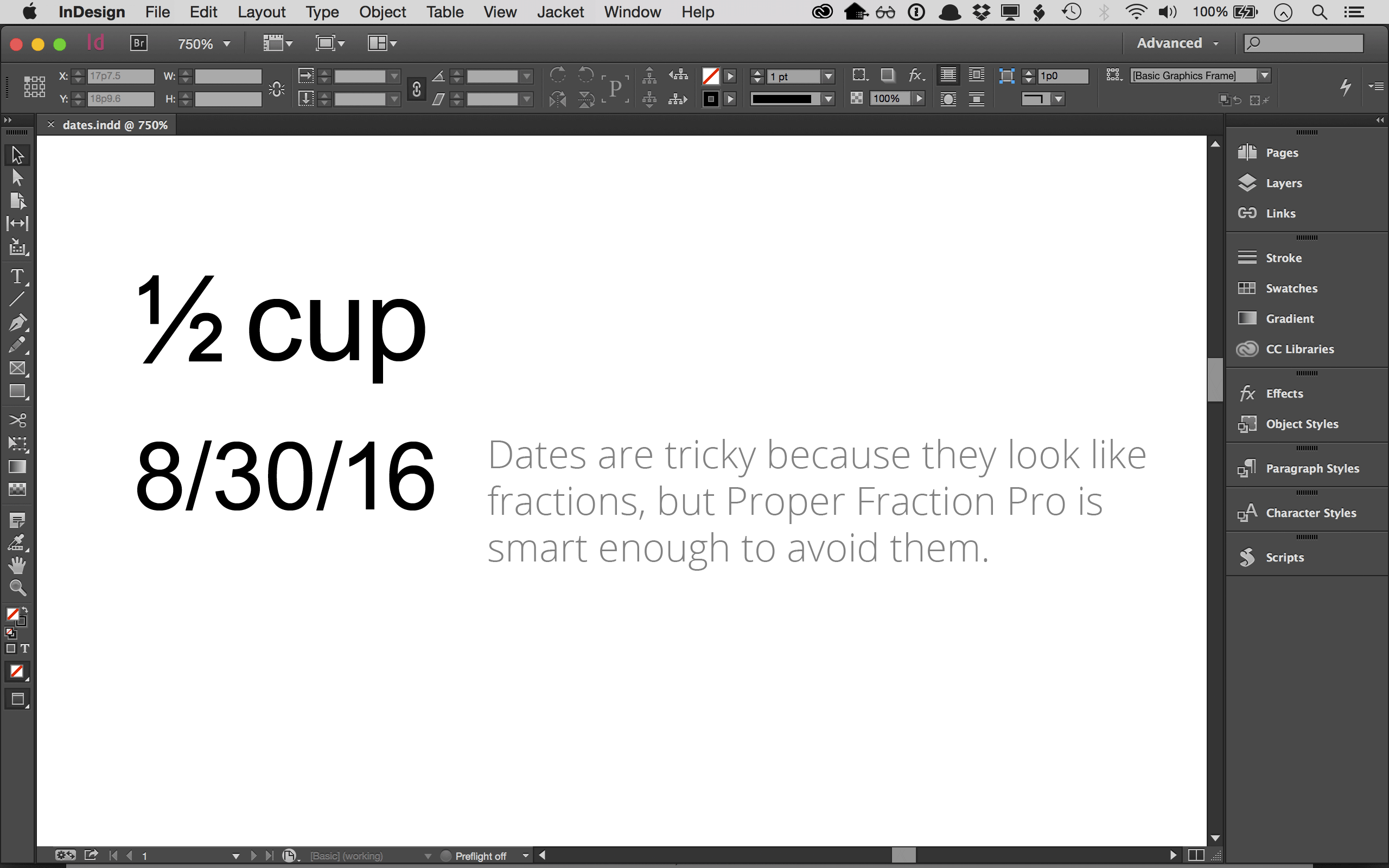
Proper Fraction Pro can apply OpenType’s fraction formatting directly to fractions, avoiding issues such as whole numbers being mistakenly formatted as fractions. If you’re not using OpenType fonts, don’t worry. Proper Fraction Pro will still produce great looking fractions for TrueType or PostScript fonts.
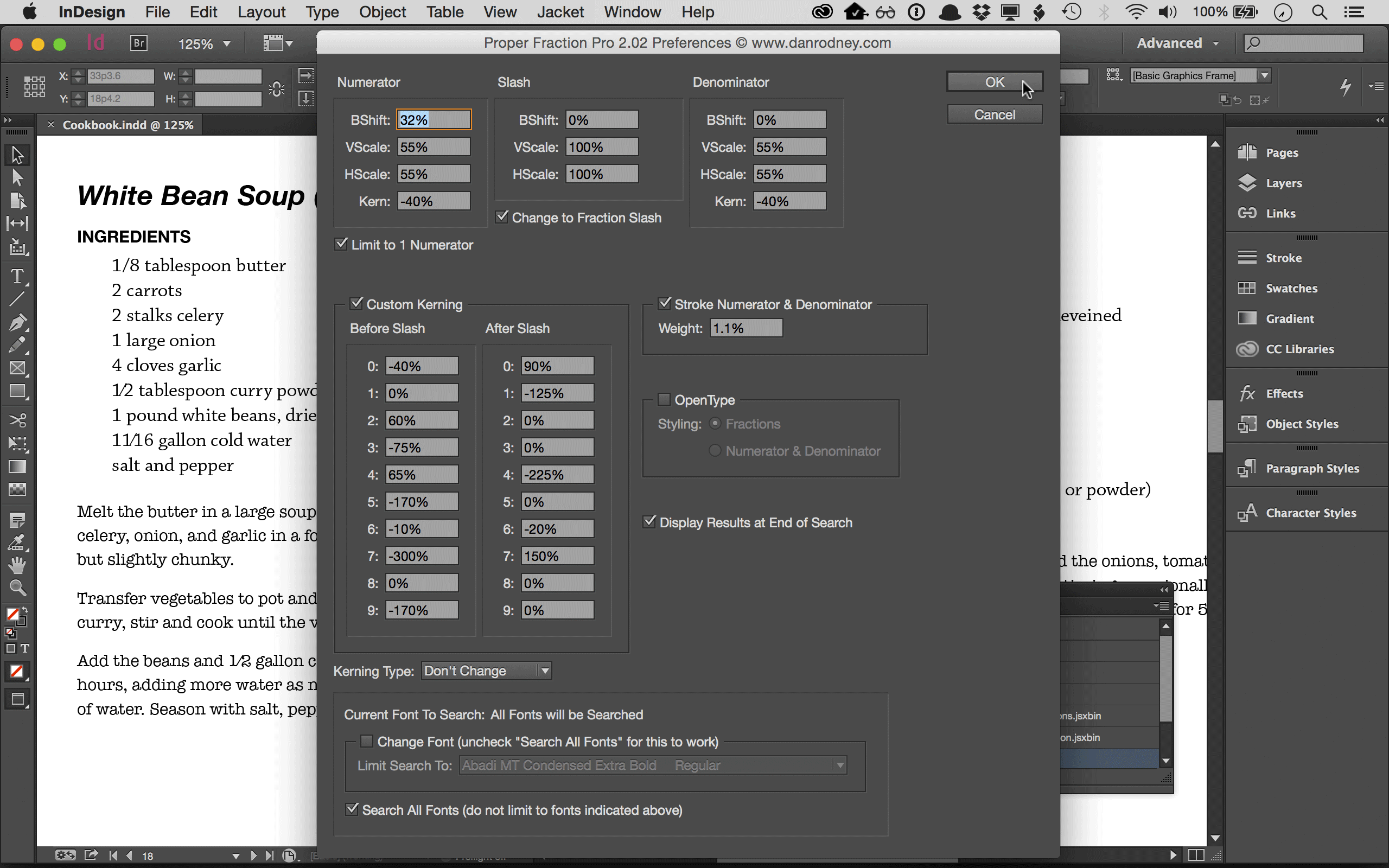
Requires Adobe InDesign or InCopy for Mac or PC
Proper Fraction works on Mac or PC with InDesign or InCopy CS3 or later. I’ve tested it through InDesign 2025 & InCopy 2025.
People Love Proper Fraction
Email #1: I was going to download the free version, but with 700 pages of recipes, I figured the Pro version was a steal!
Email #2: Oh my gosh, I just ran the script, 3367 changes, amazing! That made my week.
Rachel Pedersen, Lyonstreet Design
My favorite staff member of the day found you. We’ll be using this on over 3000 text boxes with up to 5 fractions/piece (just for one project). You have saved us countless hours and will be forever in your debt! We just downloaded, installed and ran — and BAM! Well, you know how wonderful it is!
I cannot stress enough how excited I am! I ran around our office building jumping up and down ;)
Kate R, AccuCut®
You are a godsend. This thing saved be SEVERAL hours. It literally took 10.907 seconds to format 235 fractions. This was a big deal because I created an eBook for someone and it was scheduled to be available later today.
This has solved my major problem. Thanks.
Bruce S.
I just formatted 657 fractions! I’m glad for people like you to help the rest of us along-thanks again.
Paul
I just want to congratulate you on producing such a fantastic script. I have saved hours of work today in formatting hundreds of fractions in captions for an art history book. I didn't even have to insert spaces around the fractions first.
Marie Doherty
For anyone who has struggled with creating fractions, you must try Proper Fraction Pro. This is the second script I’ve bought from Dan Rodney (the other was for making book jackets) and clearly he understands not only the problems users face when working with fractions, but the best solutions. Although the cost may seem steep, for InDesign there’s nothing like this on the market. Moreover, if you use lots of fractions as I do, you’ll soon forget the price and revel in the result.
Dan also has a free version of this script without all the advanced features that’s worth downloading for casual fraction users.
Scott Citron, Designer & Author of Professional Design Techniques with Adobe Creative Suite
Dan is a genius, and Proper Fraction Pro is a time saver. This script is essential for anyone inputting multiple fractions within Adobe InDesign documents. He offered technical support when I had a question about upgrading and replied within minutes!
Carol Oyafuso Loria, Owner, CLEOgraphics
This works great! It satisfied all the requirements I need for a client. I have to say, you are the man! I don’t care what everyone else says about you, Dan is the man!
Lintha Sparks, Enterworks
The Proper Fraction Pro script for InDesign/InCopy is AWESOME. It rocks. This script is very useful for my production needs with the series of custom cookbooks I am producing. Fractions will no longer be a hassle with this time saving, intuitive and integrated script. The PRO version is the way to go. I tried the Free version and it worked, so I bought the PRO version. It’s the best $69 you’ll ever spend on a plugin or utility for InDesign.
Thomas Granade
Works like a dream! Thanks for great documentation too.
Lyne
I am working on a cookbook with over 400 recipes so it will be great for the conversions, saving me a huge amount of time. Thanks for creating this!
Debbie
Saves me a TON of time as our corporate font is not OpenType. Kudos!
Rachel
You’ve spoiled me and I can’t see doing 400+ fractions manually.
Carol
Thanks... it does work like a charm. And I have to say, for someone who knows nothing about running scripts you have made it idiot proof.
Jim