Used by Major Publishers & Individuals Alike
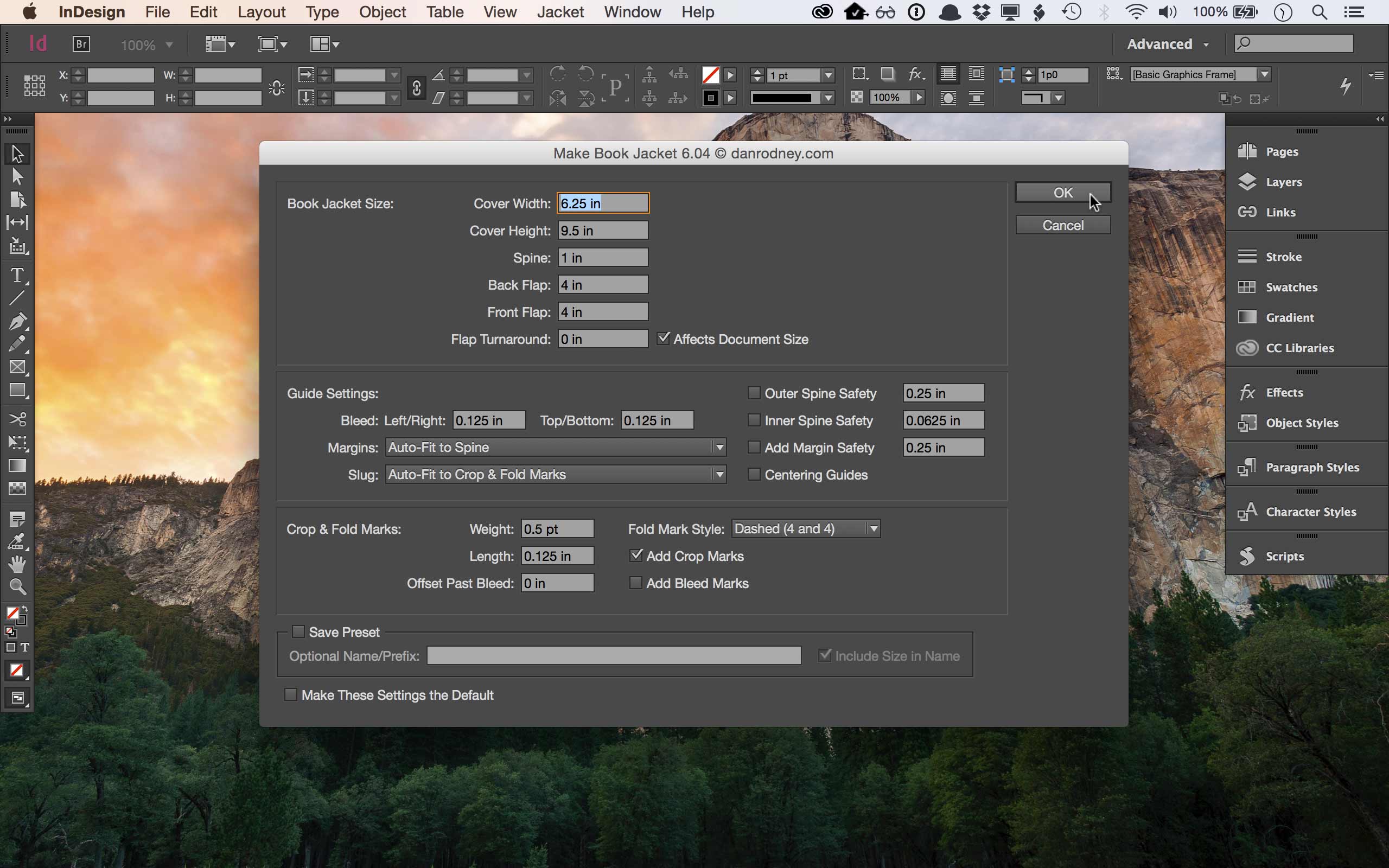
Easy to Use
Just type in your sizes and click OK. It can’t get any easier. Let Make Book Jacket do all the error prone steps for you, perfectly. I’ve worked in a book design studio. I know that laying out book jackets is tedious. That’s why I made this! Used by many of the top publishers in the world, Make Book Jacket is the gold standard in creating jackets and covers.
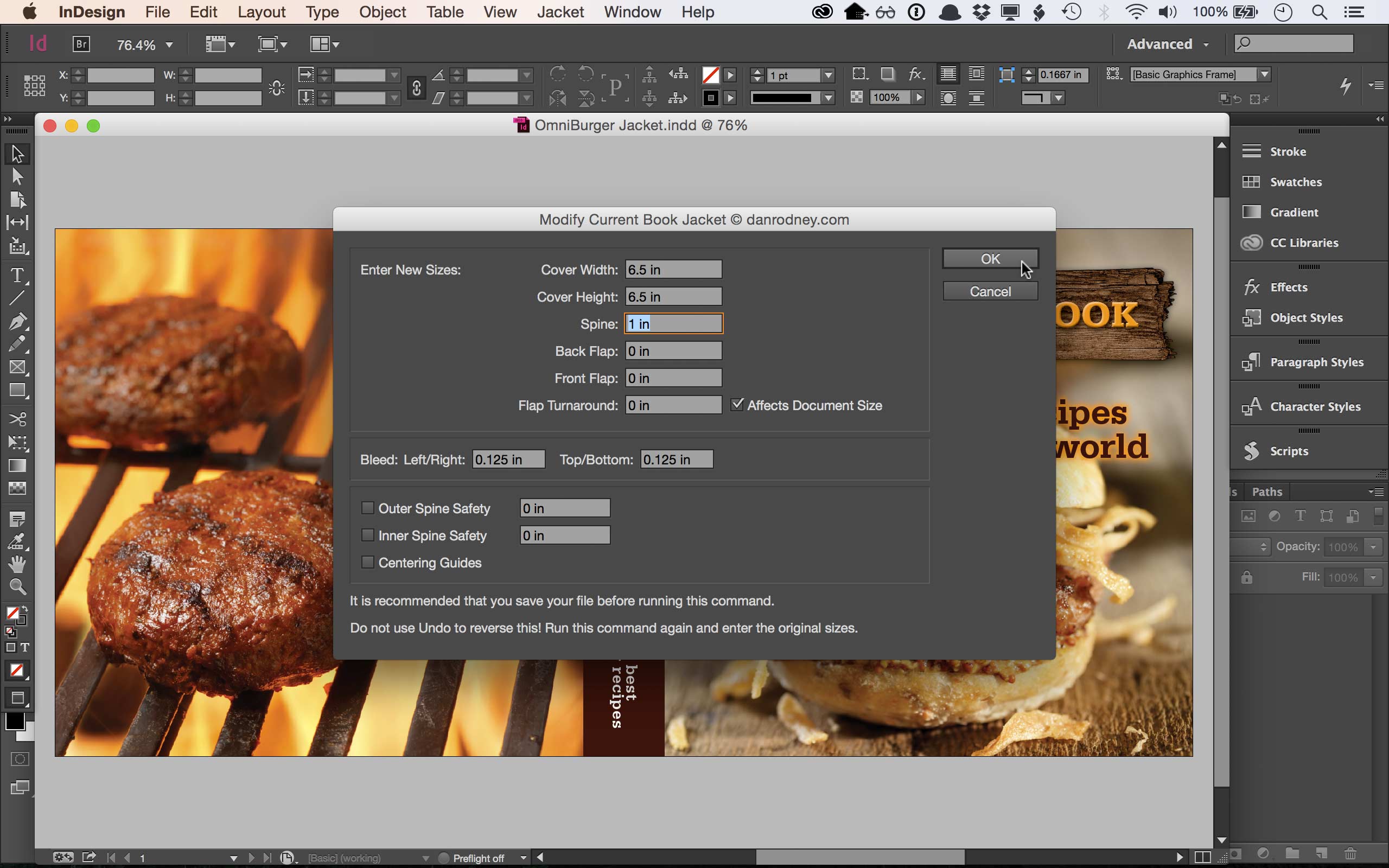
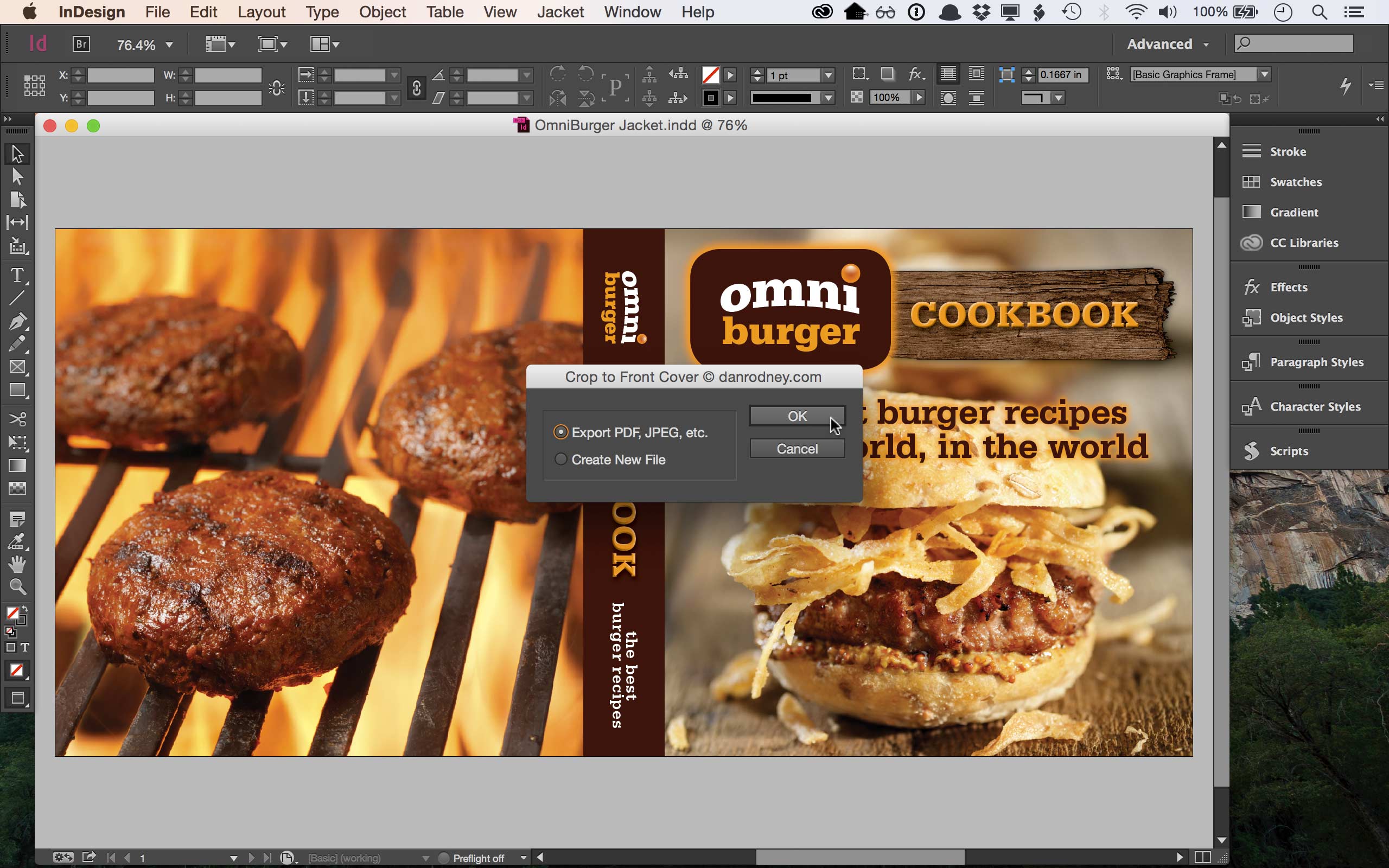
Export the Front Cover, Back Cover, or Spine
Covers often need to be used separately—for marketing materials, eBook covers, etc. It's super easy to crop the front cover, back cover, or spine and export it as a PDF, JPEG (or any other export format InDesign supports). You can even turn them cover into a separate InDesign file for further customization, which is great for eBooks and more!
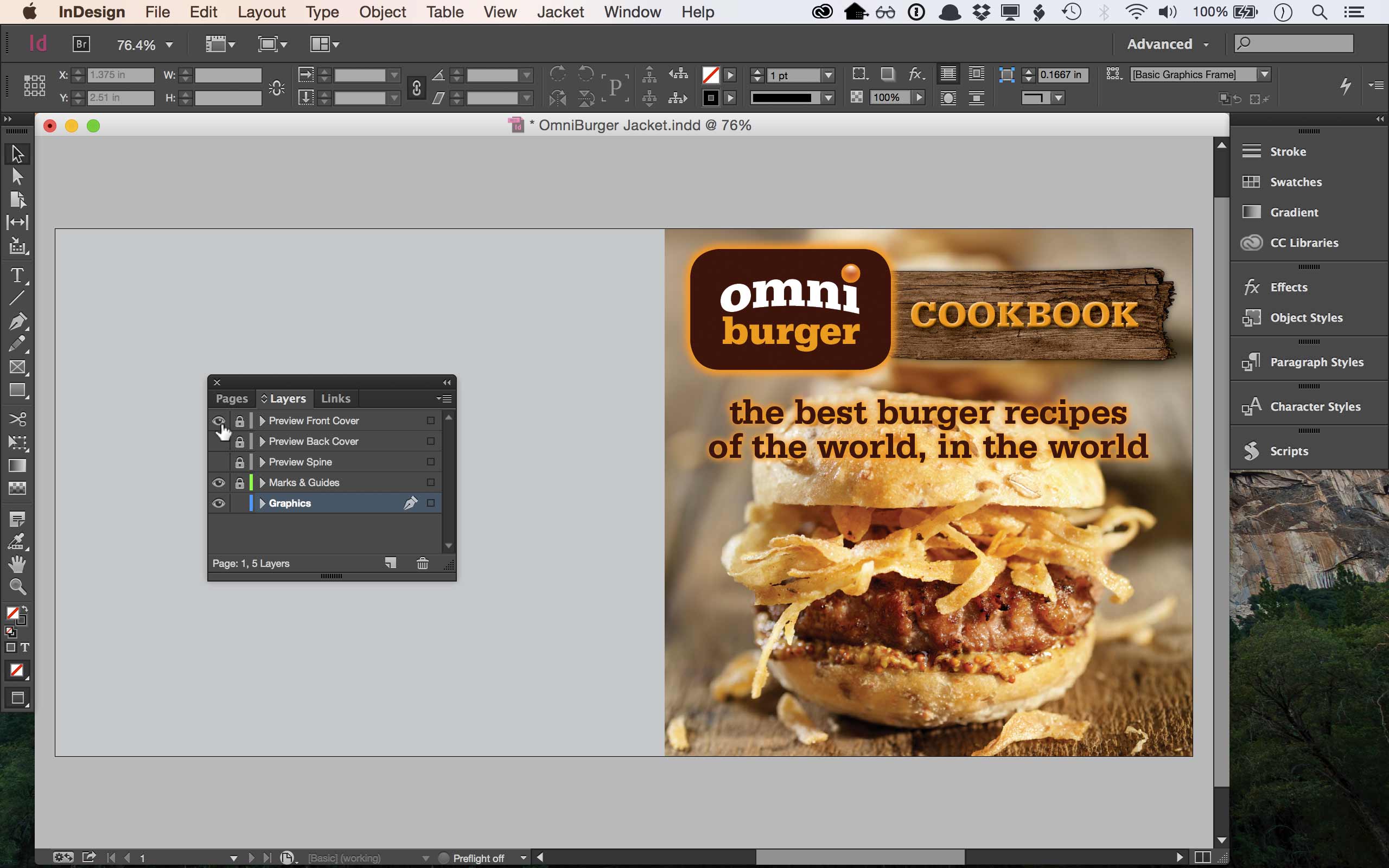
Preview Mode for Jackets
Looking at a jacket, you see all parts at once, unlike the way readers see it on a shelf. They see only one part, such as the cover or spine. With one click of a preview layer, you see just the specific part you want (cover, spine, etc)! Once you use it, you won’t be able to design without it.
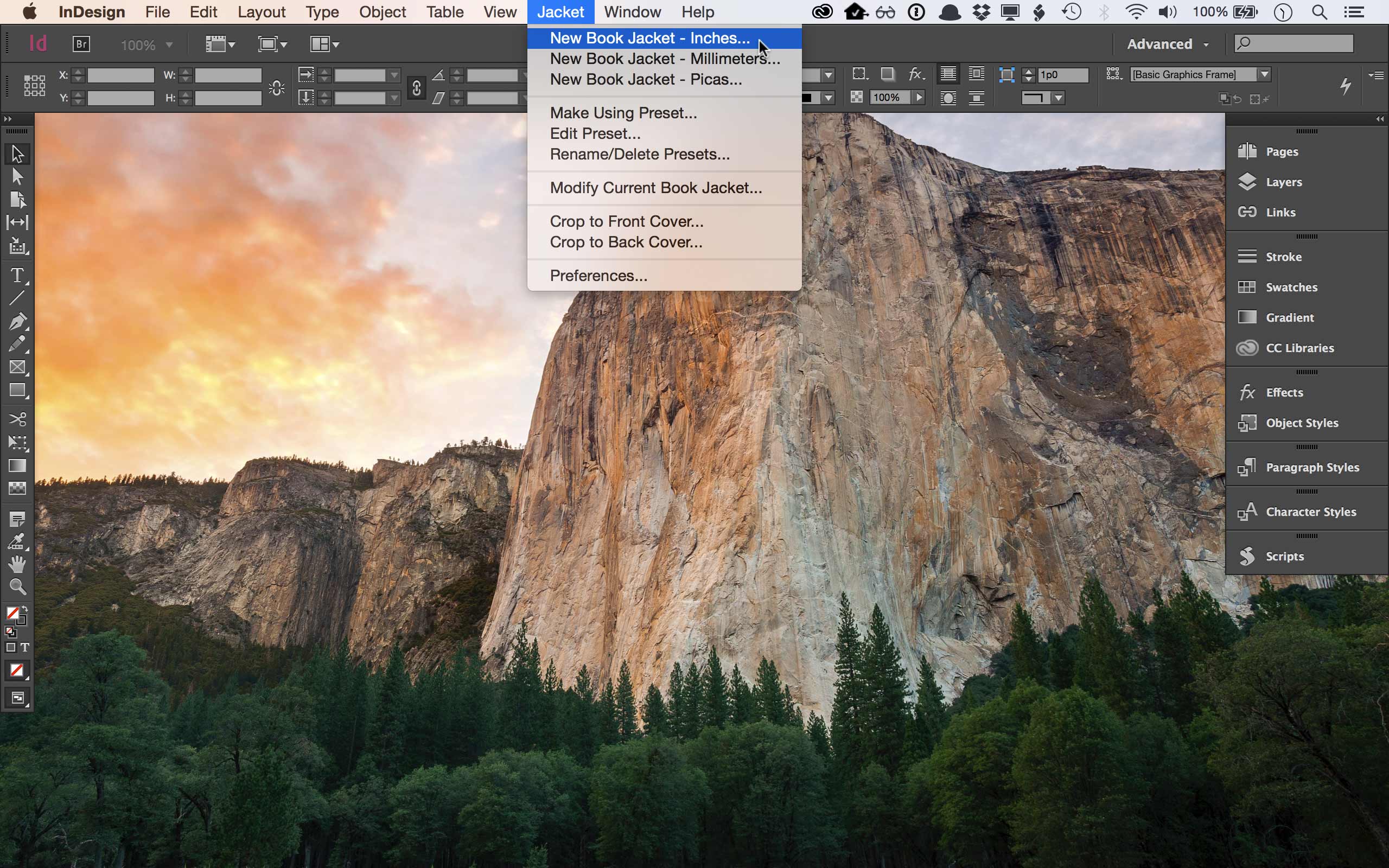
Requires Adobe InDesign for Mac or PC
Make Book Jacket works inside of InDesign CS4 or later (tested through InDesign 2025).
If you do not use Adobe InDesign, Make Book Jacket is not the solution for you.
The interface is written in English, but it works in other languages (German, Spanish, French, Italian, & Dutch). If it doesn’t work in another language, let me know and I’ll add support for it!
People Love Make Book Jacket
This is perfect for my type of work, it will save me so much time. I’ve set up hundreds of book jacket mechanicals from scratch over the years and now it can be done in seconds and done more precisely.
Becky Terhune, Art Director, Scholastic
This is the best $19 I have ever spent, it’s a timesaver beyond belief. Thanks.
David Eldridge, Two Associates
Great! It saved me a ton of time—totally worth $19.
Michelle K.
It worked perfectly. You made my life a lot easier this weekend, it’s an amazing good value.
Louie Fasciolo, Shapero Rare Books
I’m a partner in one of Australia’s premier book design agencies. Make Book Jacket is just fantastic—I’d been looking for something like this for some time and had assumed I’d have to make it myself but never got around to it. As far I’m concerned, it’s paid its purchase price from the very first use. Thanks again.
Sam Chapman, Creative Director